
Discount HomeStream HDMI to USB Video Capture Device Camera Support Accessories
$7.65
Overview The ikan HomeStream HDMI to USB Video Capture Device captures high-q…
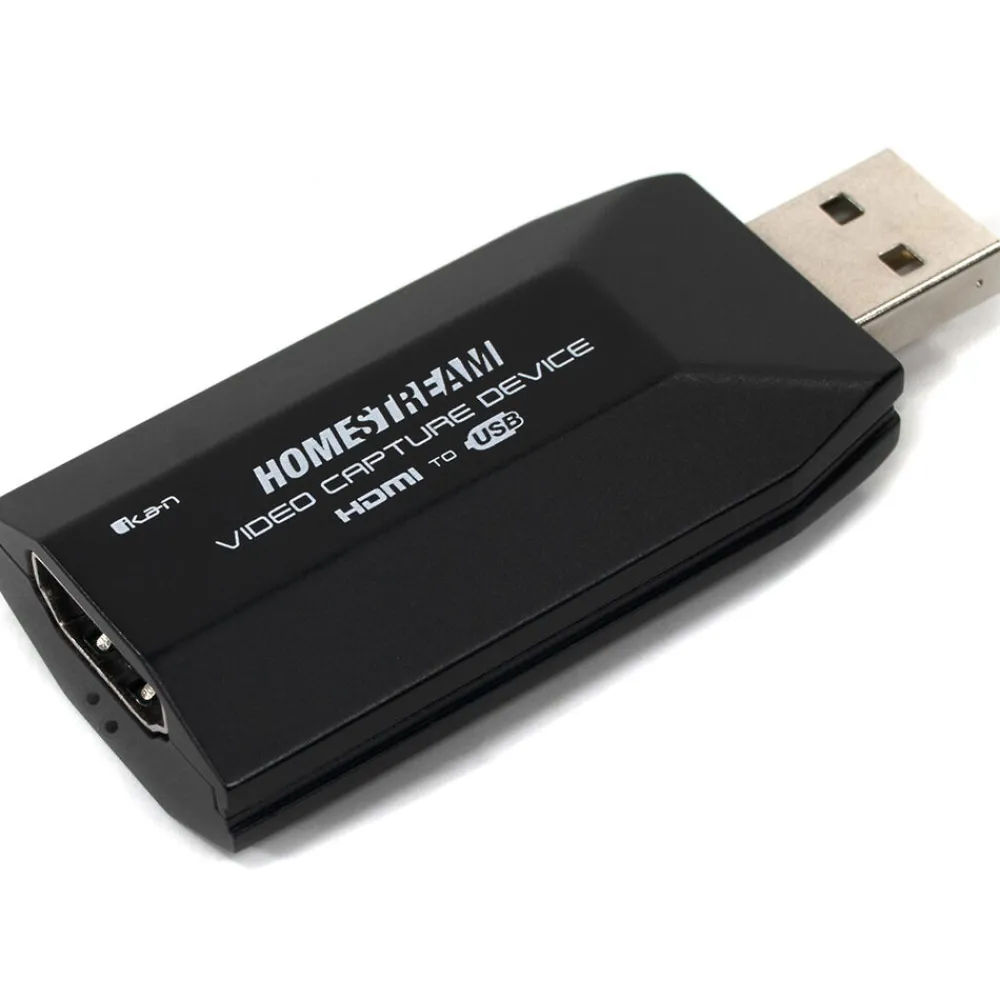
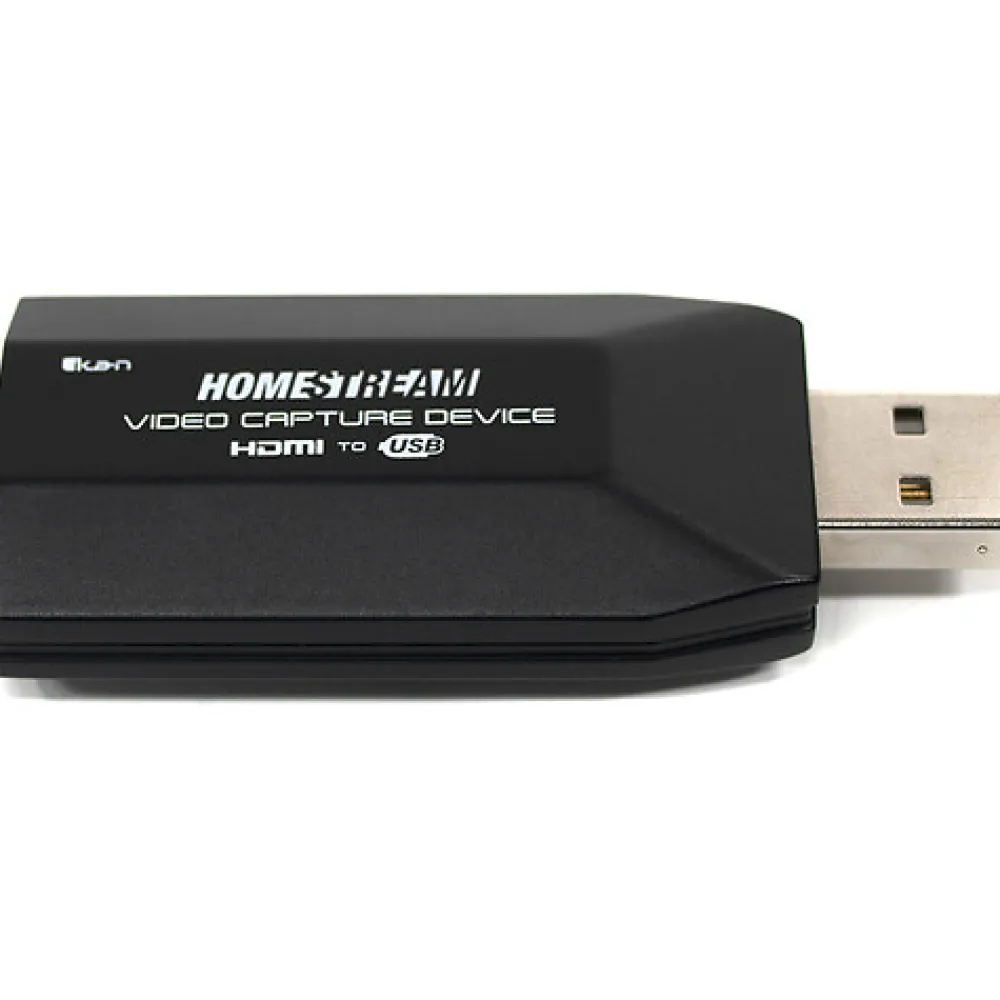
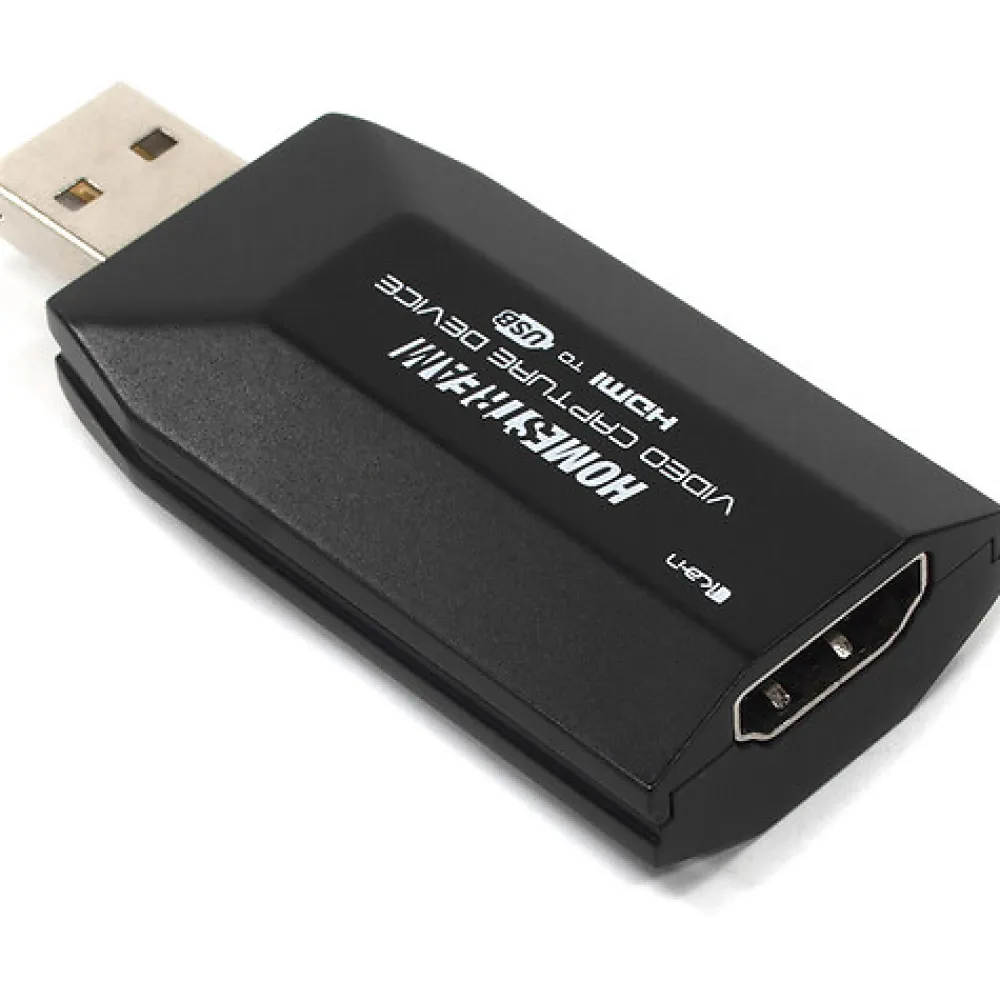
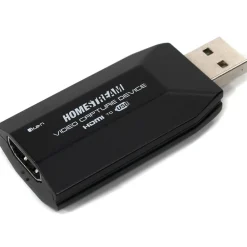
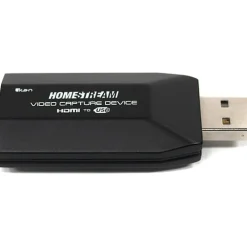
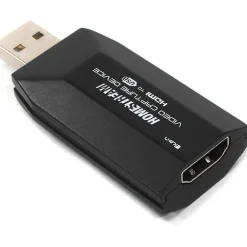
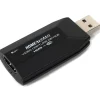
The ikan HomeStream HDMI to USB Video Capture Device captures high-quality HDMI video & audio from your device and outputs the signal directly to your computer or laptop. Hook up your DSLRs, Camcorders, Action Cams, Digital Cinema Cameras, and/or Game Consoles and broadcast in Full HD 1080p 30fps and with low latency. No longer will you have to rely on a standard cheap-looking webcam for your online chatting or video streaming. This capture device is suitable for vloggers, streamers, gamers, teachers, company meetings, etc.
FEATURES:
PLUG N’ PLAY – Establishing a connection from your device to the computer using the HomeStream Capture Device has been made as simple & easy as possible. Simply plug the HDMI cable into the capture device, then into any USB port (2.0 or higher) on your computer or laptop, and you’re already done and ready to go.
VAST SUPPORT & COMPATIBILITY – Once you’ve got your device hooked up, you now have access to various software that is compatible with the HomeStream Capture Device. These applications include OBS, Zoom, Skype, UberConference, Twitch, Facebook Live, Youtube Live, DLive, vMix, and more. This device is also compatible with Windows, Linux, Android, and macOS.
ACHIEVE CINEMATIC QUALITY – Stand out from the crowd in your company meetings or school lectures. With the ability to connect almost any DSLR, camcorder, or digital cinema camera to this capture device, a vast array of lenses also become available to use in place of a standard webcam. Professional lenses can provide you with better low light performance, sharper quality, shallow depth-of-field, and are available at any price range. The device will also capture video signals at 24p and conform them to 30hz.
BROADCAST OR RECORD IN FULL HD – This device can accept a video signal up to 4k 30fps and output it to 1080p 30fps while achieving very low levels of latency. Multiple Capture Devices can be connected simultaneously and used as different input.
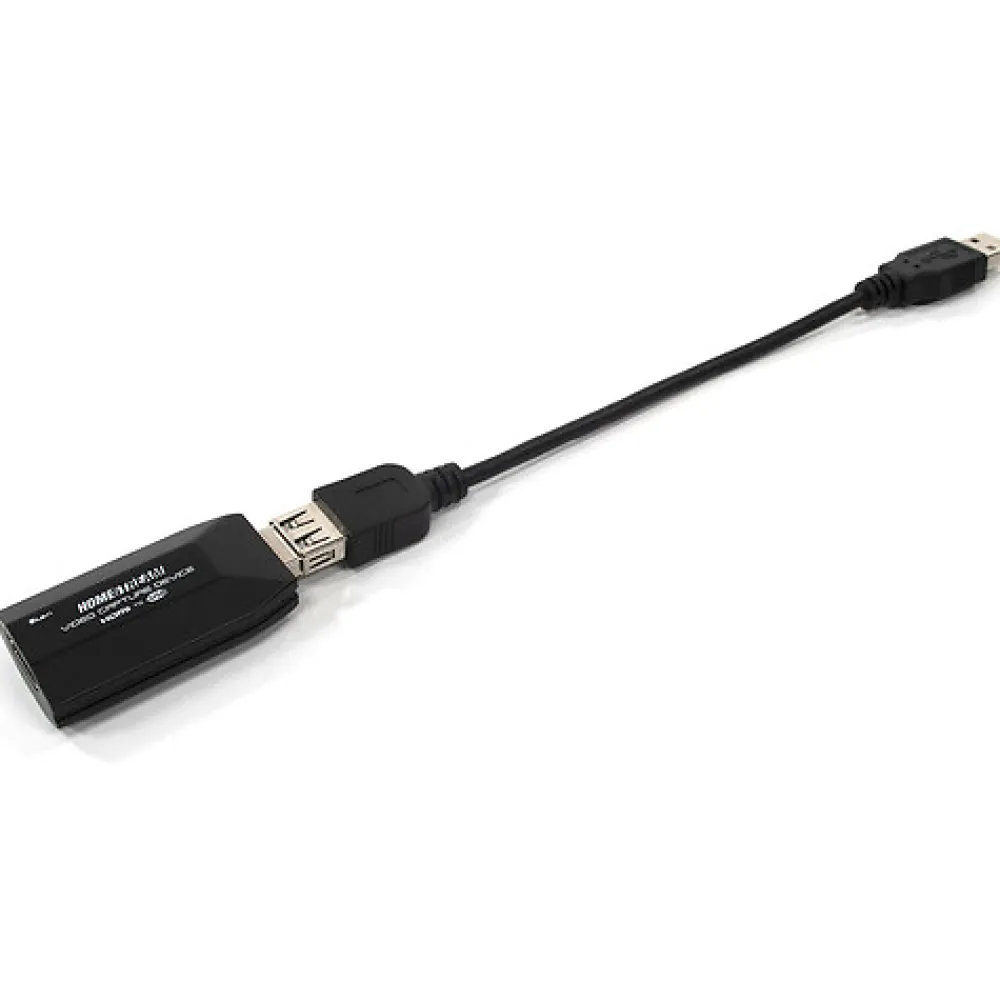
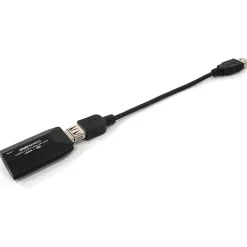
USB EXTENSION CABLE INCLUDED – Oftentimes, having a dongle protruding directly out of your USB port can be undesirable. Using the included USB extension cable will help you to avoid blocking off other USB ports while also providing you extra placement options.
- USB Extension Cable
Be the first to review “Discount HomeStream HDMI to USB Video Capture Device Camera Support Accessories”
Related products


Card Readers & Adapters
Hot CFexpress Type A Card Reader Card Readers & Adapters|Card Readers & Adapters

Media & Storage
Fashion 2TB Professional Go USB 3.2 Gen 2 Portable SSD with Hub Storage Drives|Storage Drives



Bags, Cases & Straps


Media & Storage
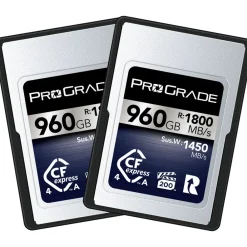
Hot 960GB CFexpress 4.0 Type A Iridium Memory Card (2-Pack) Memory Cards|Memory Cards
Reviews
There are no reviews yet.